Loading...
Loading...
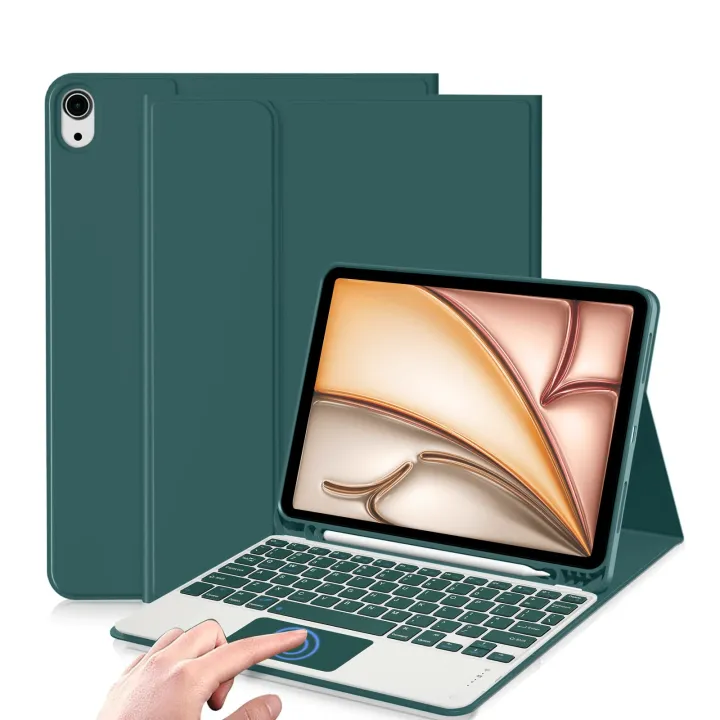
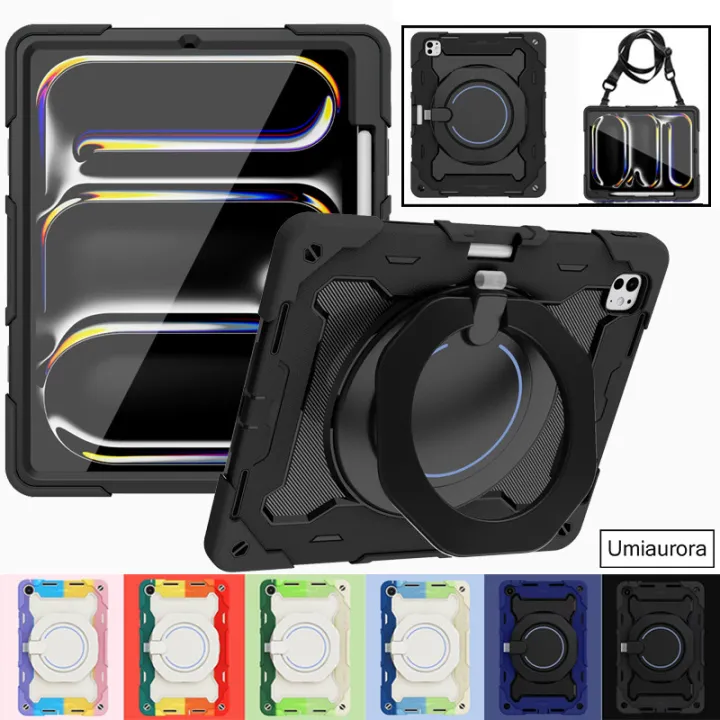
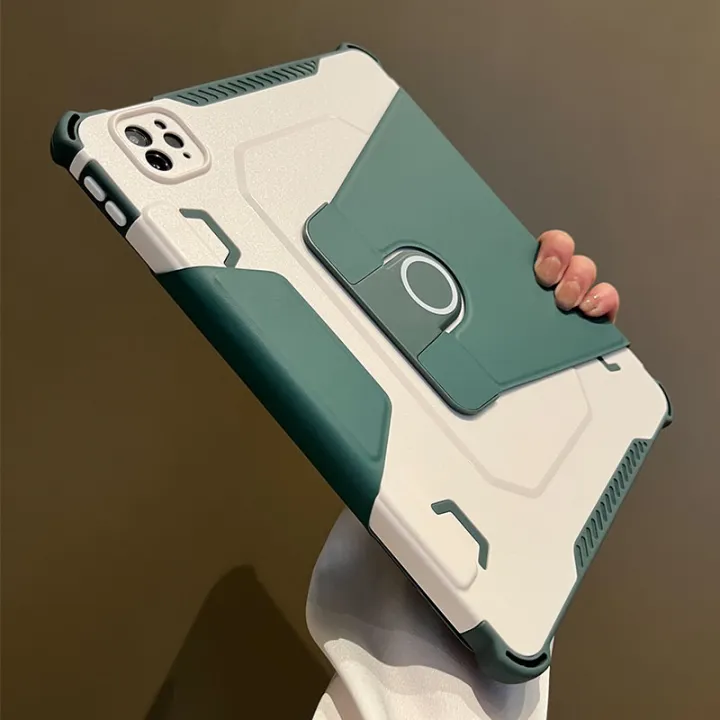
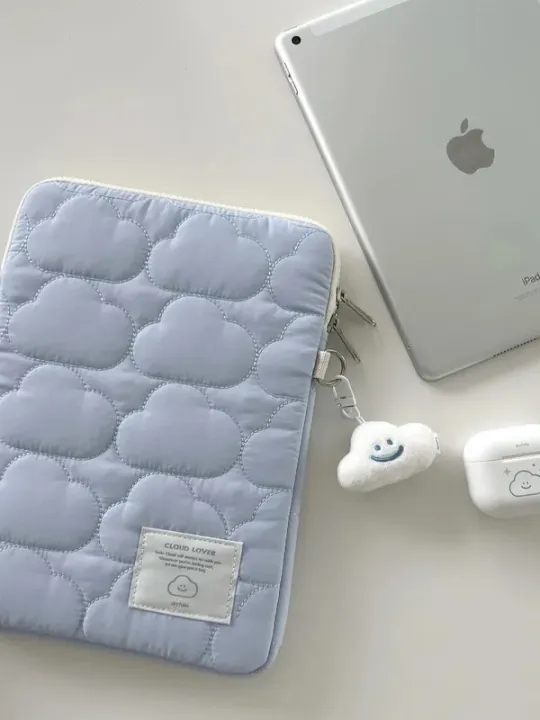
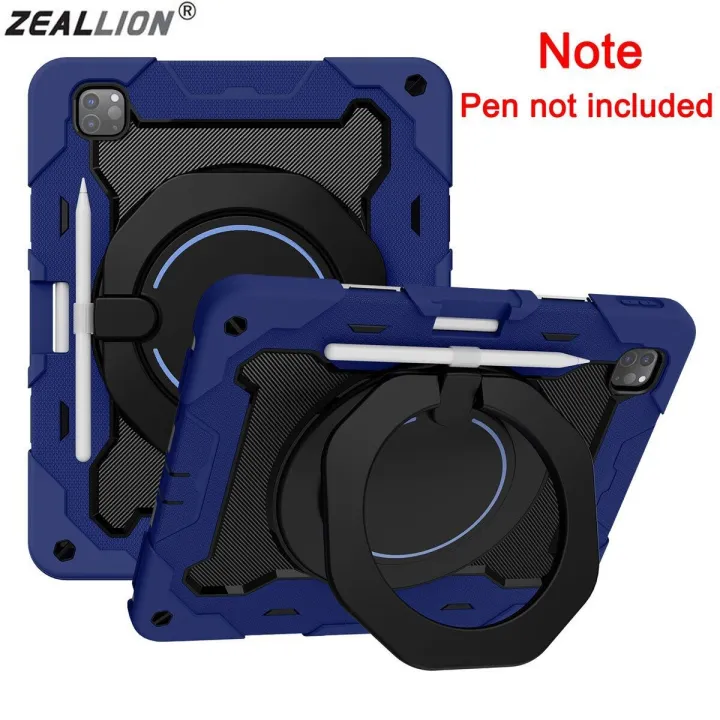
Tablet Cases & Covers
How to verify tablet model1. Go to the back and find your specific model.2. Find "Settings" - Click "About" - Find "Model"3. Please purchase the correct compatible model case according to the tablet after viewing.The tablet case in this link is only compatible with models:iPad Air 4th Generation 10.9-inch A2072/A2316/A2324/A2325 iPad Air 5th Generation 10.9-inch A2588/A2589/A2591 iPad Air 11-inch(M2)2024 A2902/A2903/A2904 iPad Air 11-inch(M3)2025 A3266/A3267/A3270Please noteThe digital tablet and stylus are not included in the package. The detailed description is for reference only. Please refer to the actual product for the color of the product.How to connect keyboard?1. Keyboard: Push the switch in the upper right corner to "ON", press "Connect", and find the Bluetooth connection with "Keyboard" in the device Bluetooth list.2. Touchpad keyboard: Open the keyboard, press Fn+C, and then find the Bluetooth connection with "Keyboard" in the device Bluetooth list.FAQQ: How to switch between different systems?A: Fn+Q=Android, Fn+W=Windows, Fn+E=IOS.Please note that please switch the system before connecting the tablet.Q:The bluetooth keyboard letters are messy?A: Please check the settings according to the prompts,a. Check whether the keyboard language set on the device is English.b. Disconnect the keyboard Bluetooth, click Ignore the connected device, reopen the Bluetooth keyboard, select system, Fn+E (IOS system).Note: Fn+Q=Android, Fn+W=Windows, Fn+E=IOSc. Press the L S Z buttons at the same time to reset the keyboardQ:How to configure the input method for different languages keyboard?A:Take the samsung tablet as example,open "Settings--"ystem"--"Language & input"--"Add New Keyboard". (For other systems, please set them in the system settings according to the tips of the iPad example.)
Recommended
In Stock