Loading...
Loading...
Portable Players
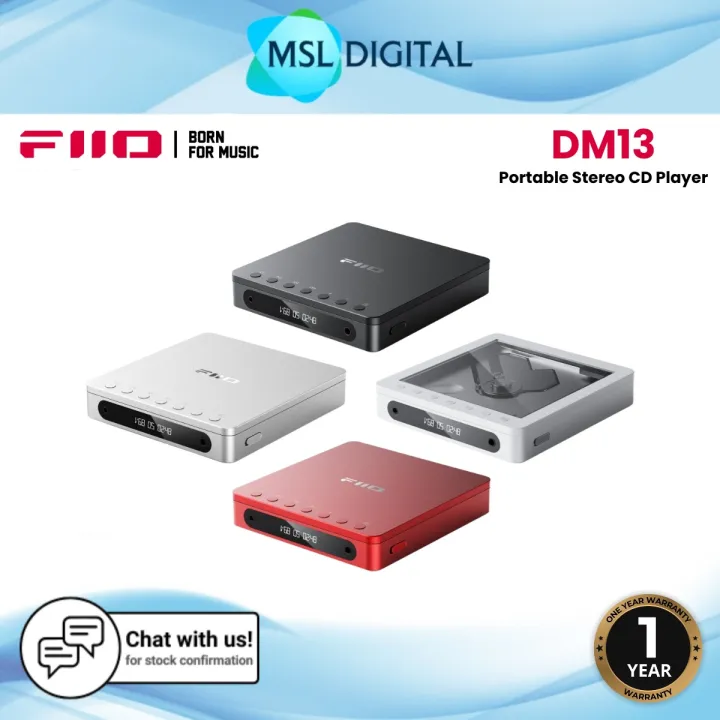
2 x Cirrus Logic CS43198 DACs 2 x Low-Noise HiFi Headphone Amps Up to 10 Hours of Playback Desktop & Portable Power Modes USB CD Ripping to WAV Files 3.5mm & 4.4mm Headphone Outputs aptX HD Hi-Res Bluetooth Transmission Integrated LCD Display Gapless & Loop Playback Modes Electronic Skip Protection 1 Year Official FiiO Malaysia Warranty********************************************FiiO DM13 BT Portable Stereo CD Player with Bluetooth [ DESCRIPTION ]The FiiO DM13 BT is a modern portable CD player that blends classic CD playback with contemporary features. It supports Bluetooth transmission with aptX HD, allowing high-quality wireless audio streaming to compatible devices. Equipped with dual Cirrus Logic CS43198 DAC chips and SGM8262 headphone amplifiers, it delivers dynamic sound quality. The device offers both 3.5mm single-ended and 4.4mm balanced headphone outputs, catering to various headphone types. Its built-in rechargeable battery provides up to 8 hours of playback, and a desktop mode allows continuous power when connected via USB. Additional features include USB CD ripping to WAV format, electronic shock protection, and a compact[ KEY FEATURES ]2 x Cirrus Logic CS43198 DACs2 x Low-Noise HiFi Headphone AmpsUp to 10 Hours of PlaybackDesktop & Portable Power ModesUSB CD Ripping to WAV Files3.5mm & 4.4mm Headphone OutputsaptX HD Hi-Res Bluetooth TransmissionIntegrated LCD DisplayGapless & Loop Playback ModesElectronic Skip Protection[ IN THE BOX ]FiiO DM13 Portable Stereo CD Player with BluetoothUSB-C to USB-A Charging & Data Cable3.5mm Coaxial Adapter[ FAQ ]How do I switch the DM13 BT to Bluetooth transmission mode?➤ After turning on the DM13 BT, briefly press the power button to cycle through modes until "BLUE OUT" is displayed. This indicates that the Bluetooth transmission mode is active. FiiO+3FiiO+3Darko.Audio+3How can I pair Bluetooth headphones with the DM13 BT?➤ In "BLUE OUT" mode, press and hold the previous track button to enter pairing mode. Ensure your Bluetooth headphones are also in pairing mode. The devices should automatically pair. FiiO+1FiiO+1What should I do if the DM13 BT crashes or becomes unresponsive?➤ If the device crashes, try turning it off and on again. If the issue persists, you may need to reset the device or update its firmware. How do I use the CD ripping function on the DM13 BT?➤ Connect a USB storage device to the "Power In" port and a USB power source to the "USB REC" port. In CD playback mode, press and hold the play/pause button to start ripping the current CD track to the USB storage device. Darko.AudioHow can I check the battery level of the DM13 BT?➤ When the device is powered on, short press the power button. The display will show BAT5 for full power, BAT4 for 80–90%, BAT3 for 60–80%, BAT2 for 40–60%, BAT1 for 20–40%, and BAT0 indicates low power, signaling the need for charging. FiiOWhat audio formats are supported by the DM13 BT?➤ The DM13 BT supports CD, CD-R, and CD-RW discs. For digital files, it
Recommended