Loading...
Loading...
Projectors
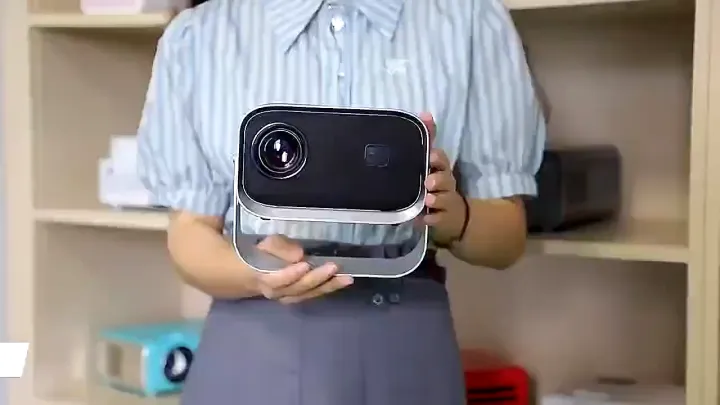
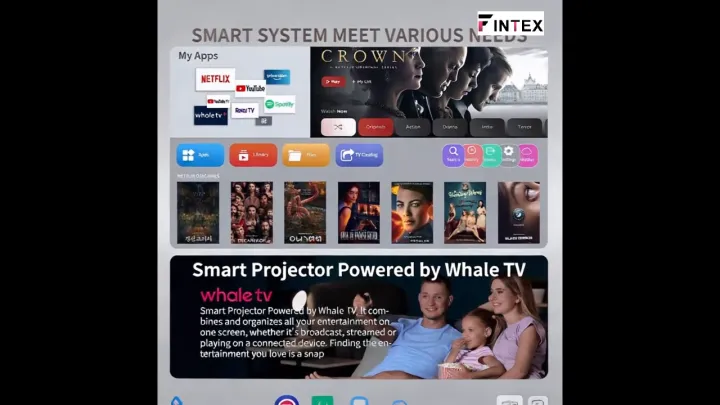
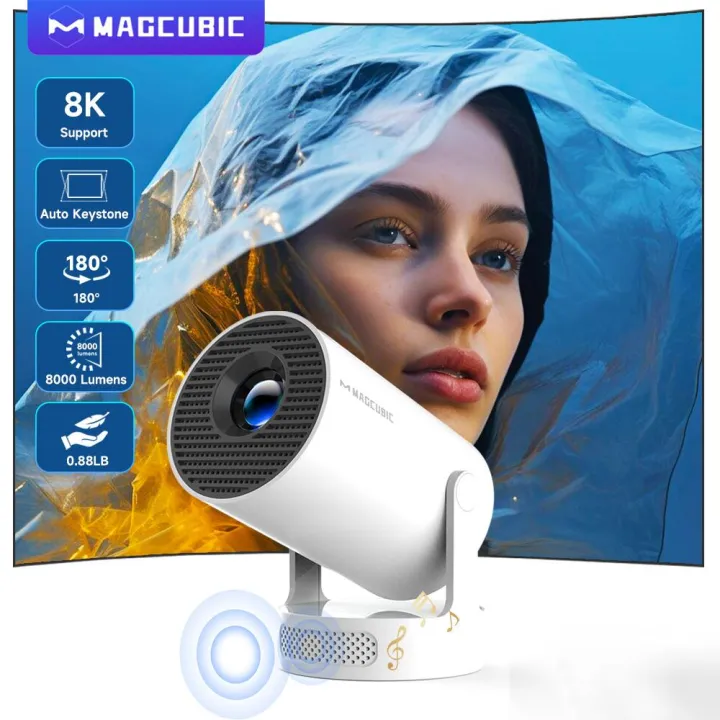
Please note: A small number of Allwinner 713 chip projectors may send out Smart Your Projection, Match Your Scene HY300Pro+ Mini Projector Simple, Reliable, Affordable – Quality You Can Trust Sharp Image, Vibrant Colors 8K Support & 8000 Lumens Unrivaled Clarity in Every Frame Precision-Crafted bicoated optics Illuminate your vision with 40% elevated luminescent clarity Easy Tuning, Perfect Alignment Auto Vertical Keystone & Manual 4-Point & Manual Focus & 80%-100% Zoom Crisp, Clear, Powerful Ideal for Casual Viewing and Personal Entertainment Excellent Stereo Sound Supports HiFi Audio and is equipped with high-fidelity speakers to provide immersive sound effects External Power & Cooler Operation Mini Body, Max Impact A True MINI Marvel – Light as Air, Big as Life Project a Big Screen with Any Setup Wired or Wireless, Connect Your Way Buffer-Free Streaming with Wi-Fi & BT5.4 Built-in Android 14 System Plug And Play, No Need to Connect Other Devices 180° Rotation for Ultimate Flexibility Project on Walls, Ceilings, or Any Surface You Desire Quad-core AEM Cortex-A53 Mali-G31 supports OpenGL ES3.2,Vulkan 1.1,and OpenCL2.0 Versatile Compatibility, Easy Connection Large Screen Guidance, More Precise Movements Compact Size, Big Entertainment – Transform Your Room into a Cinema A Party Artifact that Creates a Great Atmosphere Q1: Why OTA Update Before Use? A: To ensure optimal performance and take advantage of our latest features and updates, please upgrade to the most recent software version before first use. You can do this by navigating to Settings > About device > Online upgrade. Q2: Is It Good for Daytime Use? A: Due to its brightness limitations, the projector is ideal for dark environments, such as a backyard at night, a campsite after sunset, a living room with closed curtains, or a bedroom with the lights turned off. Q3: Activate Manual Focus? A: To help you fine-tune the sharpness of your projection, the HY300Pro+ projector features an internal gear mechanism. Simply rotate the gear to adjust the focus and achieve your desired level of clarity. Q4: How to Get a Square Image? A: Automatic vertical keystone correction works best when the projector lens is directly facing the wall. If the results are unsatisfactory, follow these steps: Place the projector on a flat surface and ensure the lens is perpendicular to the wall. Navigate to Settings > Projection Settings > Keystone Correction > Initial Angle Correctio
Recommended